When I schedule an automation, I can paste a long prompt into the schedule, with every rule, preference, example, and edge case spelled out there. That works, but it makes the automation feel like a hidden little program. If I want to improve it later, I have to find the schedule, edit the prompt, and hope I did not break the parts that already worked.
For anything I expect to maintain, I increasingly prefer a shorter shape:
Use the $personal-skill-maintenance skill.
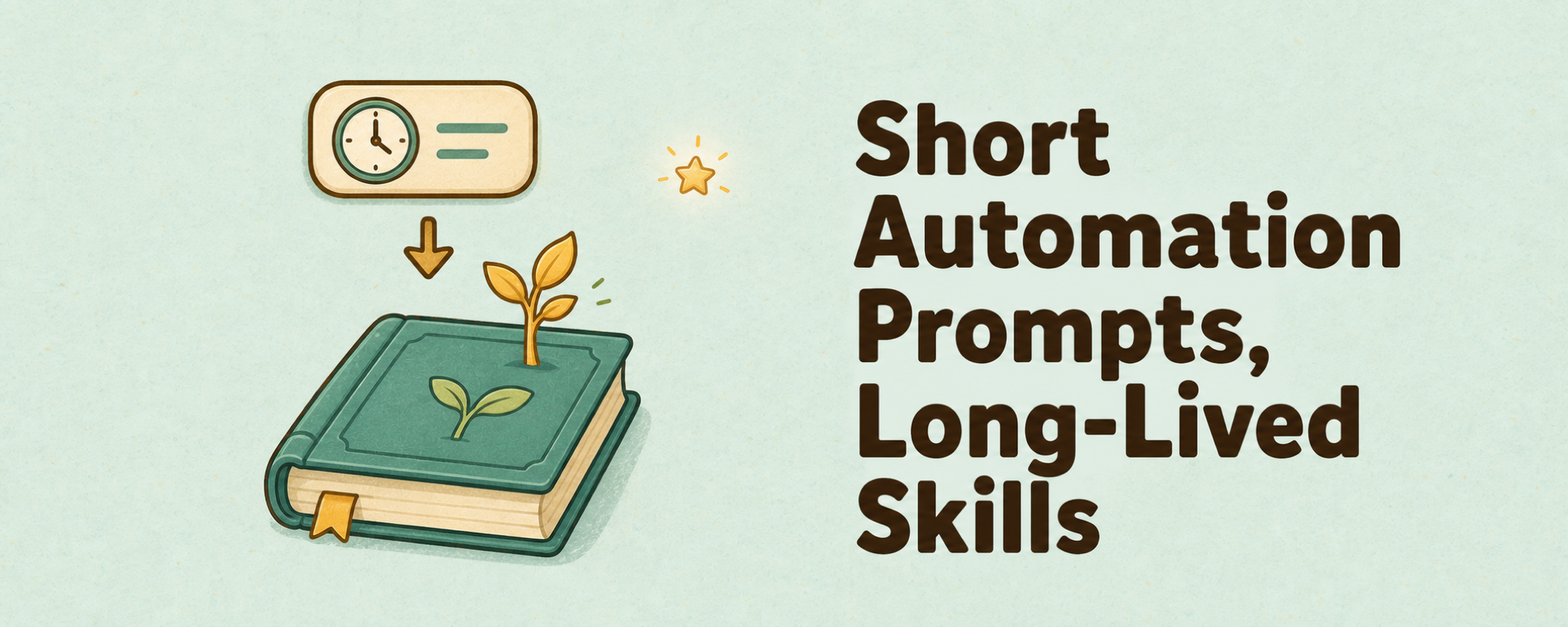
The automation prompt stays small. The skill carries the real behavior.
That matters because a skill is a file. I can version it. I can review diffs. I can keep it in ~/.agents/skills when it is personal, or move it into a repo when the workflow belongs to that project. The root skill set stays cleaner, and the scope is easier for the agent to understand.
The bigger benefit is self-improvement. If the automation runs a retrospective and learns a better way to do the work, it can update the skill itself. The next run uses the improved behavior without me rescheduling the automation or copying a new wall of text into a cron entry.
I think of it like this:
Cron prompt: short and stable.
Skill file: specific, versioned, and improvable.
Verbose prompts are fine for one-off jobs. If I expect the automation to live for a while, I would rather maintain a skill than maintain a paragraph trapped inside a scheduler.
To comment and continue discussing this article, please comment on the X Article.