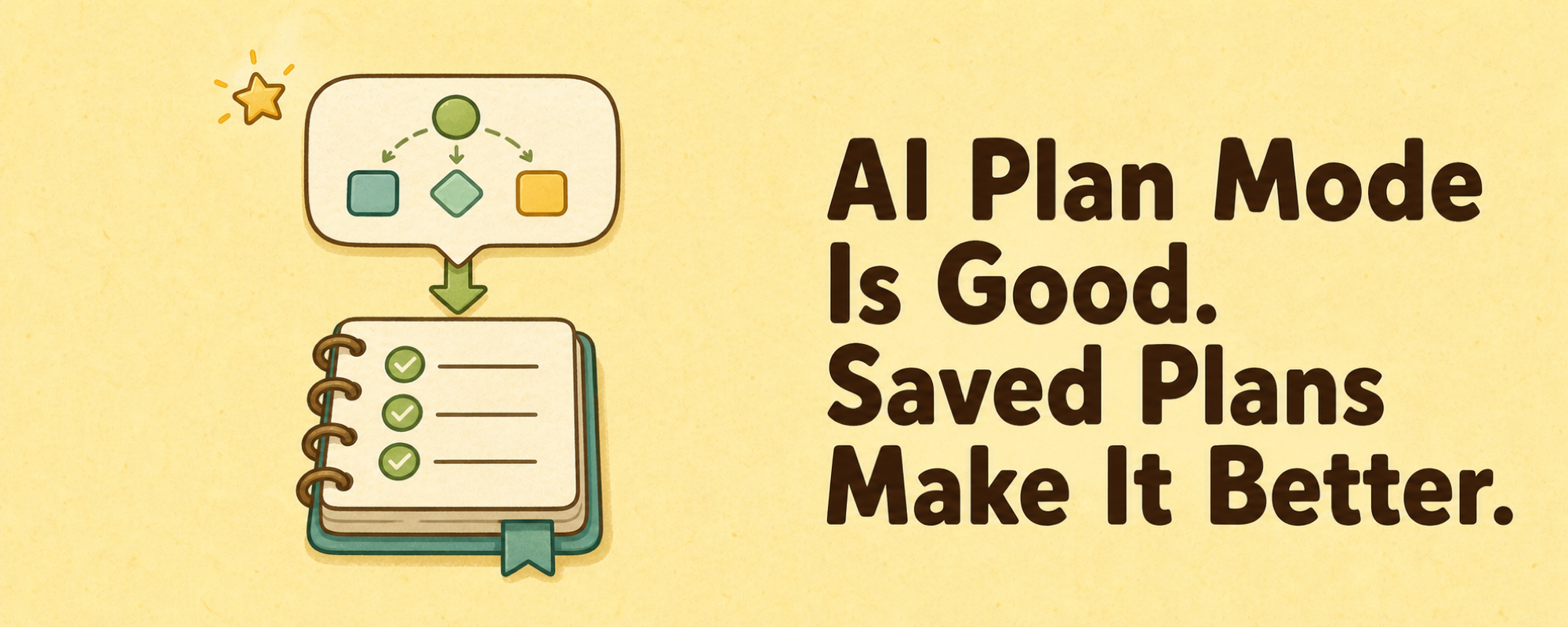
Plan mode forces the agent to slow down before coding. Before editing files, the agent has to understand the task, inspect the codebase, break the work into steps, surface risks, and ask for feedback.
That helps, but plan mode has one limitation: the plan usually lives inside the session.
For short tasks, that is enough. Longer work gets messy. I may switch machines. Another agent may need to continue the work. The original agent session is not always available, and even when it is, the transcript is rarely the clearest project artifact.
At that point, a plan inside a chat transcript is not enough. I want the plan to become part of the project.
Saved plans make plan mode better
A practical next step is to save the plan into the repo. That is why I made Planrock, a small agent skill and CLI that stores plans as Markdown files in a local plans/ folder.
A plan is just a Markdown file with frontmatter and a checklist:
---
title: Improve release workflow
state: open
priority: P1
created_at: 2026-06-20
agent_sessions:
  - codex:session-id
---

## Goal

Improve the release workflow so the agent can run tests, open a PR,
fix review comments, deploy after approval, verify production, and close the plan.

## Tasks

- [ ] Audit current release flow
- [ ] Update scripts
- [ ] Run lint and tests
- [ ] Open PR
- [ ] Address review comments
- [ ] Deploy after approval
- [ ] Verify shipped result
This is intentionally boring. The goal is durable planning without adding another project management system.
A saved plan is readable by humans and agents. Git tracks it. The CLI can list it. It becomes a small local memory layer for agent work.
In practice, it feels like a tiny repo-local GitHub Issues system for coding agents.
The agent can query open plans. I can review them. Another session can continue from them. When the work is done, the plan can be marked closed and committed with the implementation.
That is already a big improvement over a plan that only exists in a chat.
Why not use a spec framework?
There are more formal solutions for this problem. For example, OpenSpec is a spec-driven development workflow. It is designed to lock down intent before implementation and organize work through structured requirements, design notes, and task files.
That works when you want a real spec workflow. I do not always want to start from a formal spec.
Most of my agent sessions start much more casually:
Maybe the bug is here.
Can you inspect this module?
What if we split the deployment step?
Actually, make a plan from what we discussed.
That workflow needs a saved plan before it needs a full spec system.
The difference is roughly this:
OpenSpec:
Use a spec workflow to define and govern implementation.

Planrock:
Save the plan that came out of the agent conversation.
OpenSpec is better when the work is product-level, team-level, or behavior-driven. Planrock is better when I want a lightweight memory layer for personal or small-project agent work. It keeps the agent's plan alive outside the chat without enforcing a full process.
A quick Planrock demo
Install the Planrock skill:
npx skills add favoyang/planrock -g
Or simply ask your agent to install it for you:
Install the favoyang/planrock skill
After that, you can start with prompts like:
Create a saved plan to implement <feature prompt>.

Make a plan to <feature prompt>, and track it locally.

Summarize what we just discussed in a saved plan.
If you are already in plan mode, you can say:
Track this in a saved plan.
The skill will save the plan into the plans/ folder with unified frontmatter. During implementation, the agent can update the checklist, record progress, and mark the plan closed when the work is done.
Use the Planrock CLI
To see the progress of local open and closed plans, you can ask the agent to list them. You can also try the CLI manually.
npm install -g @favoyang/planrock
planrock
Or use npx:
npx @favoyang/planrock
A repo using Planrock may look like this:
my-project/
  AGENTS.md
  plans/
    improve-release-workflow.md
    fix-auth-callback.md
To check the current plan status:
planrock
Example output:
Working dir: /Users/alex/projects/my-project

Planrock Status
Open:   1
Closed: 1

Top Open Plans (top 10)
Priority  Title                      Created     Done/Total  Percent  Agent Sessions
--------  -------------------------  ----------  ----------  -------  --------------
P1        Improve release workflow   2026-06-20  3/7         43%      codex:7f3a9c21

Most Recent Closed Plans (top 10)
Closed      Created     Title
----------  ----------  -------------------------
2026-06-19  2026-06-19  Fix auth callback
To list open plans:
planrock open
To list completed plans:
planrock closed
The CLI is not the most important part. The Markdown files are. There is no hidden database, no remote service, and no heavy workflow to learn. The agent can read and update normal files in the repo.
To comment and continue discussing this article, please comment on the X Article.